Premium IPTV Service

Buy premium IPTV with a 24h trial and stream from EUR 9.99.

Start your IPTV subscription for live TV, sports, movies, series and VOD on Smart TV, Firestick, Android, iOS and PC. Message us on WhatsApp or Telegram for activation and setup help.

24h trial without paymentHD & 4K readyMessenger activation

WhatsApp is pre-filled. On Telegram, send: IPandaTV 24h Free Trial.

LIVEPremium Control
Premium streaming lounge with abstract IPTV dashboard on a large TV
20K+Channels4KReady24/7Support
Smart TVMobileVOD
01

Why Choose IPandaTV?

Discover what makes us the premier choice for IPTV streaming worldwide.

20,000+ Live Channels

Global channels for sports, news, movies, kids and more with full EPG.

PPV & Premium Sports

Access major events and leagues with stable, high-quality streams.

VOD Library

Thousands of movies and TV series on demand in HD and 4K.

Uptime & Performance

Optimized servers delivering a reliable 99% uptime experience.

Worldwide Coverage

Top performance in USA, UK, Canada, Europe, MENA and beyond.

24/7 Support

Friendly human support ready to help you get set up fast.

02

Built for fast buying decisions

Clear pricing, risk-free trial access and support for major smart TV, mobile and streaming devices.

Try first

Request a 24h trial, check quality, then choose the subscription length that fits.

Full access on every plan

Every paid plan includes live TV, VOD, HD/4K, EPG and setup help. Only the duration changes.

Personal messenger support

WhatsApp is the fastest channel. Telegram stays visible as a direct alternative for activation and questions.

03

Ready for your setup

IPandaTV works on common devices. If you are unsure, ask directly for setup help for your model.
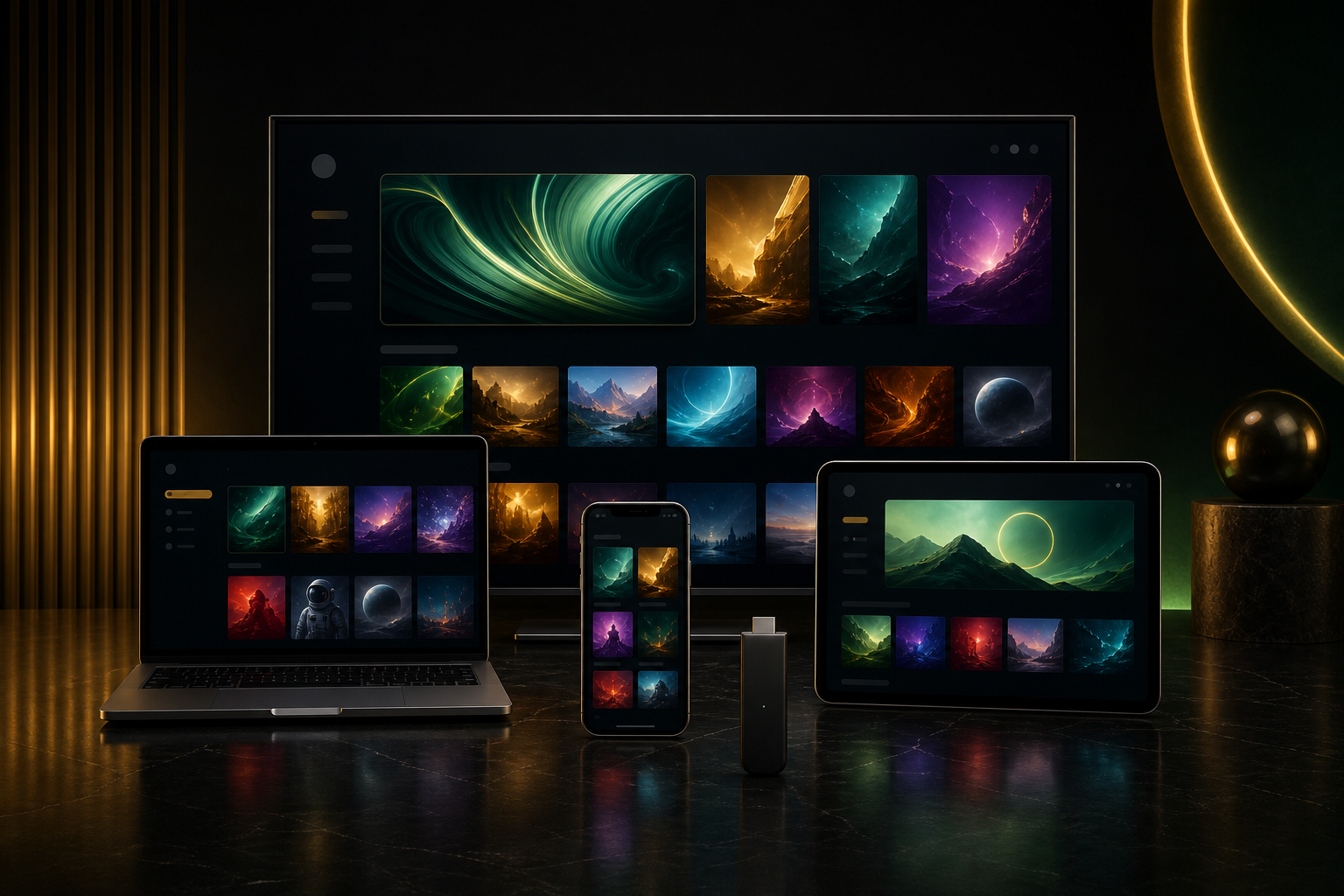
Smart TV, laptop, smartphone, tablet and streaming stick with abstract IPTV interfaces
Smart TVFire TVAndroid TViPhone & iPadAndroid MobileLaptop
04

IPTV app setup step by step

Choose your device, install the recommended app and enter the access details you receive after trial or purchase.
What you receive from IPandaTV

Visual flow from messenger request to secure access details and IPTV app setup
1Server URL, username and password for Xtream Codes2M3U link for apps like VLC or Smart IPTV3EPG link for the TV guide
Smart TVSmart IPTV, IPTV Smarters, SS IPTV
Recommended appIPTV Smarters for Samsung/LG when available, otherwise Smart IPTV or SS IPTVBest login methodXtream Codes in IPTV Smarters or M3U/MAC activation with Smart IPTV

Details you need

Server URLUsernamePasswordM3U linkEPG link optional

Setup steps

  1. Open your TV app store and install IPTV Smarters, Smart IPTV or SS IPTV.
  2. In IPTV Smarters, choose Login with Xtream Codes API and enter server URL, username and password.
  3. In Smart IPTV, note the MAC address shown in the app and send it to support.
  4. If the app uses M3U, add the M3U link and EPG link in playlist management.
  5. Restart the app and wait until Live TV, movies, series and EPG are loaded.

Tips for good quality

  • Use 5GHz Wi-Fi or an Ethernet cable.
  • Restart the TV and app after entering details.
  • Test Live TV and VOD during the 24h trial.

If something does not work

  • Wrong login: copy the server URL without spaces.
  • Empty EPG: update EPG or restart the app.
  • App missing in TV store: use Firestick or Android Box.
Ask for setup help
FirestickIPTV Smarters, TiviMate, Downloader
Recommended appTiviMate for live TV comfort, IPTV Smarters for Live TV plus VOD/seriesBest login methodXtream Codes is recommended; M3U works as an alternative

Details you need

Server URLUsernamePasswordEPG link if provided separately

Setup steps

  1. Install IPTV Smarters from the store or use Downloader if the app is unavailable.
  2. Open the app and choose Xtream Codes API or Add Playlist.
  3. Enter server URL, username and password exactly.
  4. In TiviMate: Add Playlist > Xtream Codes > enter details > enable EPG.
  5. Load the playlist, check categories and test one live channel plus VOD.

Tips for good quality

  • Firestick 4K/4K Max is more stable than older models.
  • Clear app cache regularly.
  • For sports, prefer 5GHz Wi-Fi or an Ethernet adapter.

If something does not work

  • Buffering: clear app cache and switch stream quality.
  • Empty categories: refresh playlist.
  • Invalid login: copy username/password again from support.
Ask for setup help
AndroidTiviMate, IPTV Smarters, XCIPTV
Recommended appTiviMate for Android TV/Box, IPTV Smarters for phone and tabletBest login methodXtream Codes for automatic categories and EPG

Details you need

Server URLUsernamePasswordM3U link optionalEPG link optional

Setup steps

  1. Install TiviMate or IPTV Smarters from Google Play.
  2. Choose Add Playlist or Login with Xtream Codes API.
  3. Enter server URL, username and password.
  4. Enable EPG/TV guide and let the data load fully.
  5. Open Live TV, VOD and series to test the trial properly.

Tips for good quality

  • Enable hardware acceleration if the app offers it.
  • Set buffer to 10-15 seconds if available.
  • Keep device and app updated.

If something does not work

  • EPG missing: update EPG manually.
  • Audio/video out of sync: test an external player.
  • App crashes: clear cache or reinstall the app.
Ask for setup help
iOSIPTV Smarters, GSE Smart IPTV
Recommended appIPTV Smarters or GSE Smart IPTVBest login methodXtream Codes in IPTV Smarters, M3U in GSE Smart IPTV

Details you need

Server URLUsernamePasswordM3U linkEPG link optional

Setup steps

  1. Install IPTV Smarters or GSE Smart IPTV from the App Store.
  2. In IPTV Smarters, choose Xtream Codes login and enter the three login details.
  3. In GSE Smart IPTV, add a remote playlist with your M3U link.
  4. Add the EPG link if the app asks for it.
  5. Load the channel list and test Live TV, movies and series.

Tips for good quality

  • Allow local network permissions if iOS asks.
  • Watch mobile data usage outside Wi-Fi.
  • IPTV Smarters can also be used on Apple TV.

If something does not work

  • M3U not loading: copy the full link.
  • No categories: sync playlist again.
  • EPG empty: refresh TV guide inside the app.
Ask for setup help
MAGMAG Portal
Recommended appMAG Portal directly on the boxBest login methodPortal URL plus MAC address

Details you need

MAG MAC addressPortal URLActivation confirmation from support

Setup steps

  1. Open Settings > System Settings > Servers > Portals on your MAG box.
  2. Send the MAC address of your box to IPandaTV support.
  3. Enter the portal URL in Portal 1 URL and choose a portal name.
  4. Save settings and restart the MAG box.
  5. Wait for the portal to load, then test channels and VOD.

Tips for good quality

  • Send the MAC address exactly, including colons.
  • Restart the box after each portal change.
  • Ethernet is often more stable than Wi-Fi on MAG.

If something does not work

  • Portal not loading: ask support to check URL and MAC.
  • Black screen: restart the box.
  • Slow menu: check network connection.
Ask for setup help
PC / MacVLC, IPTV Smarters, Web Player
Recommended appVLC for quick testing, IPTV Smarters for full categoriesBest login methodM3U link in VLC or Xtream Codes in IPTV Smarters

Details you need

M3U linkServer URLUsernamePasswordEPG link optional

Setup steps

  1. Install VLC or IPTV Smarters for Windows/Mac.
  2. In VLC: open Media > Network Stream and paste the M3U link.
  3. In IPTV Smarters: choose Xtream Codes login and enter server URL, username and password.
  4. Load EPG if the app supports a TV guide.
  5. Test channels, VOD and series; send a screenshot to support if something fails.

Tips for good quality

  • VLC is best for quick diagnosis.
  • IPTV Smarters is better for VOD and series.
  • Temporarily disable VPN/firewall if nothing loads.

If something does not work

  • Stream not starting: copy the link again.
  • Only one channel visible: open playlist view in VLC.
  • Firewall blocking: check app permissions.
Ask for setup help
05

Transparent IPTV pricing

Start free with a 24h trial. Then choose the duration that fits. Longer plans reduce the monthly cost clearly.

1 Month

Ideal for getting started or staying flexible.

9.99 EURone-time9.99 EUR / month
  • 20,000+ live channels
  • VOD library
  • HD/4K ready
  • EPG support

WhatsApp is pre-filled. On Telegram, send: IPandaTV 1 Month.

3 Months

A strong balance between flexibility and savings.

24.99 EURone-time8.33 EUR / month
  • Everything in 1 Month
  • Messenger activation
  • Setup help
  • No hidden fees

WhatsApp is pre-filled. On Telegram, send: IPandaTV 3 Months.

Every paid plan includes the same access. Prices are for 1 connection; extra connections can be requested by messenger.

06

Less risk before buying

The key buying objections are answered before contact: testing, payment, activation and setup help.

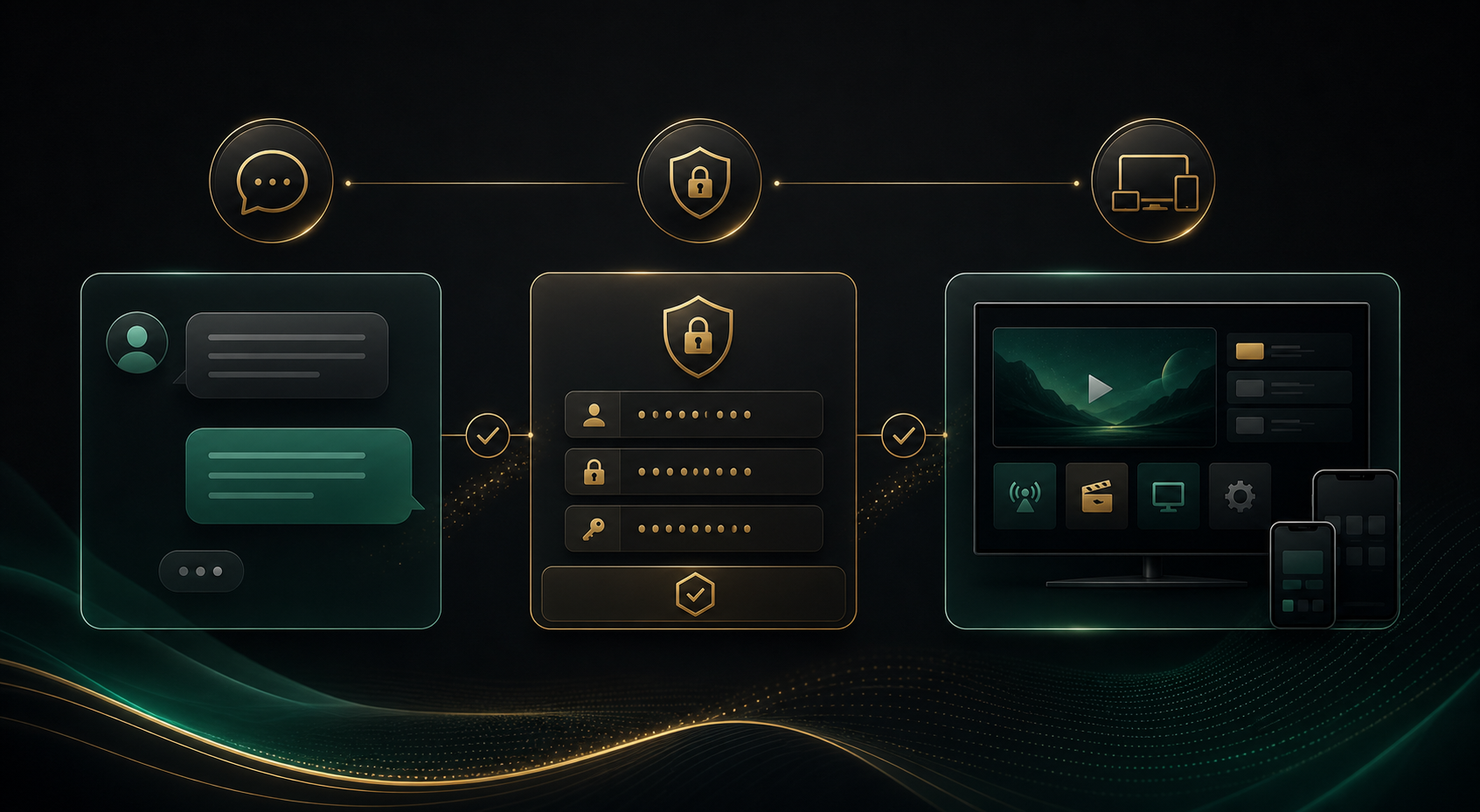
Premium support and security visual with chat interface and shield symbol

Test for 24h

Check quality, channel lineup and app compatibility before choosing a paid plan.

Fast activation

After your request, you receive the next steps directly through WhatsApp or Telegram.

Setup help

Support helps with Smart TV, Firestick, Android, iOS, MAG and PC/Mac.

Clear durations

No confusing bundles: access stays the same, only duration and price change.

07

Payment and activation

Payment methods are confirmed in chat. Use only methods that are actually available for your country and offer.

CardPayPalBank / WiseCrypto on request

Active in three steps

1Choose trial or plan2Send WhatsApp or Telegram3Receive access and stream
08

Common questions

Can I test IPTV free for 24 hours?

Message us on WhatsApp or Telegram, receive trial access details and test Live TV, VOD, EPG and app compatibility for 24 hours.

Do I need a credit card for the trial?

No. The 24h trial is intended to let you check quality, device support and setup before choosing a paid plan.

How fast do I receive access details?

After your request, you receive the next steps directly through messenger. For faster activation, include your device and preferred app.

Which access details do I receive?

Usually you receive server URL, username and password for Xtream Codes. Depending on the app, M3U and EPG links can also be provided.

Which devices does the IPandaTV IPTV subscription support?

IPandaTV supports Smart TV, Firestick, Android TV, iOS, Android Mobile, MAG and PC/Mac. The setup guide shows the right apps and login methods.

Which app is recommended?

For most users we recommend IPTV Smarters or TiviMate. IPTV Smarters is strong for Live TV, VOD and series; TiviMate is excellent for Android TV and Firestick.

What is the difference between Xtream Codes and M3U?

Xtream Codes uses server URL, username and password and often loads categories and EPG more cleanly. M3U is a playlist link and is useful for VLC, Smart IPTV or simple players.

Why is my EPG or TV guide empty?

First refresh EPG inside the app and restart the app. If the guide stays empty, send us your app name and device so we can check M3U/EPG or Xtream details.

What can I do about buffering or freezing?

Use 5GHz Wi-Fi or Ethernet, restart router and app, clear app cache and test another player. For live sports, a stronger device like Firestick 4K or Android Box often helps.

Can I use multiple devices?

Prices are for 1 connection. You can set up multiple devices, but simultaneous streaming depends on the number of connections ordered.

Which payment methods are available?

Payment methods are confirmed in chat. Card, PayPal, Bank/Wise and Crypto on request are planned where available for your country.

Is there a refund?

Use the 24h trial first. Refunds or goodwill handling depend on the exact case and activation status and are confirmed in chat.

What happens when my plan expires?

You can renew the same access. Message us before expiry on WhatsApp or Telegram so renewal can be activated without interruption.

Are the prices final?

Yes. Standard prices are EUR 0 trial, EUR 9.99 for 1 month, EUR 24.99 for 3 months, EUR 39.99 for 6 months and EUR 59.99 for 12 months.

Can I use Telegram instead of WhatsApp?

Yes. WhatsApp is pre-filled and faster, but Telegram stays available as a direct support channel.

WhatsAppTelegram